Aperture Edition | basic photography
Some things to think about when learning how to shoot in manual with your digital single lens reflex camera (dslr):
-Keep your shutter no lower than 1/100. This will help prevent blurry or shakiness in you photo from motion happening either from the photographer slightly moving, or your subject moving fast. Ideally, if your subject is moving fast, your shutter would need to be around 1/200 to insure your subject isn’t blurry as well.
-Play around with your ISO.
-Change your f-stop/aperture. Get comfortable playing around with your settings.
-Shoot a variety. Walk around your subject and shoot from all directions.
-Photograph subjects near and far, shade, and in the sun.
-Photograph different types of subjects. For example, portraits, landscape, and action shot.
-You can also photograph still life. For example- a wooden chair, flowers, books, bike, car, makeup, pottery, etc.
**Let me also say, you can photograph inside, but only with a good source of natural light. For example, bring your subject next to a window and use the window lighting. When you are first learning photography, it is easiest for you to shoot with natural light.
Keep a journal of the lenses you are using, the focal length (18mm, 50mm, 75mm, etc), shutter speed, aperture, iso, sun, shade, etc.

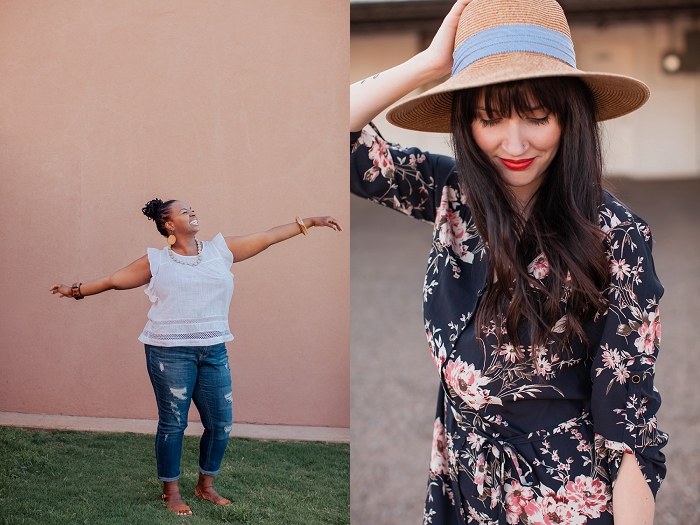


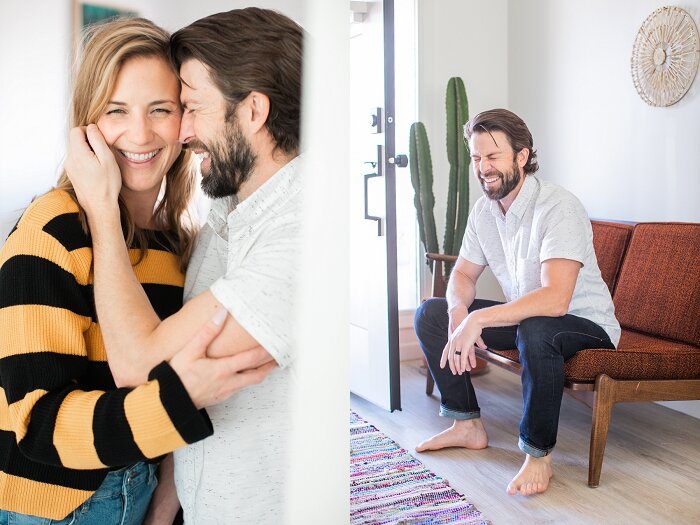


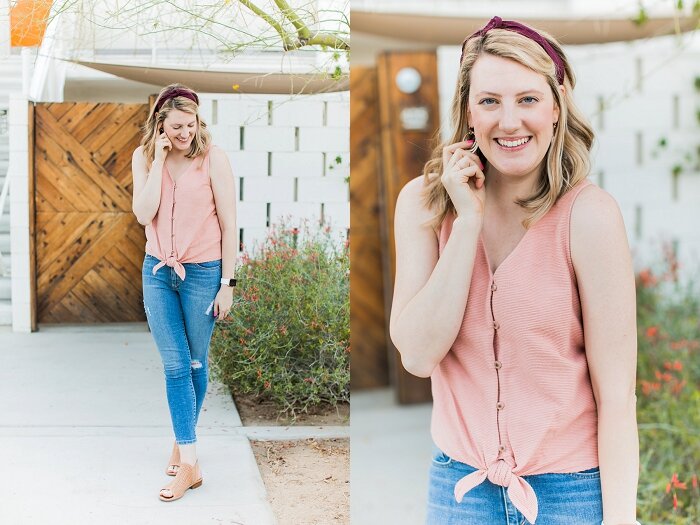




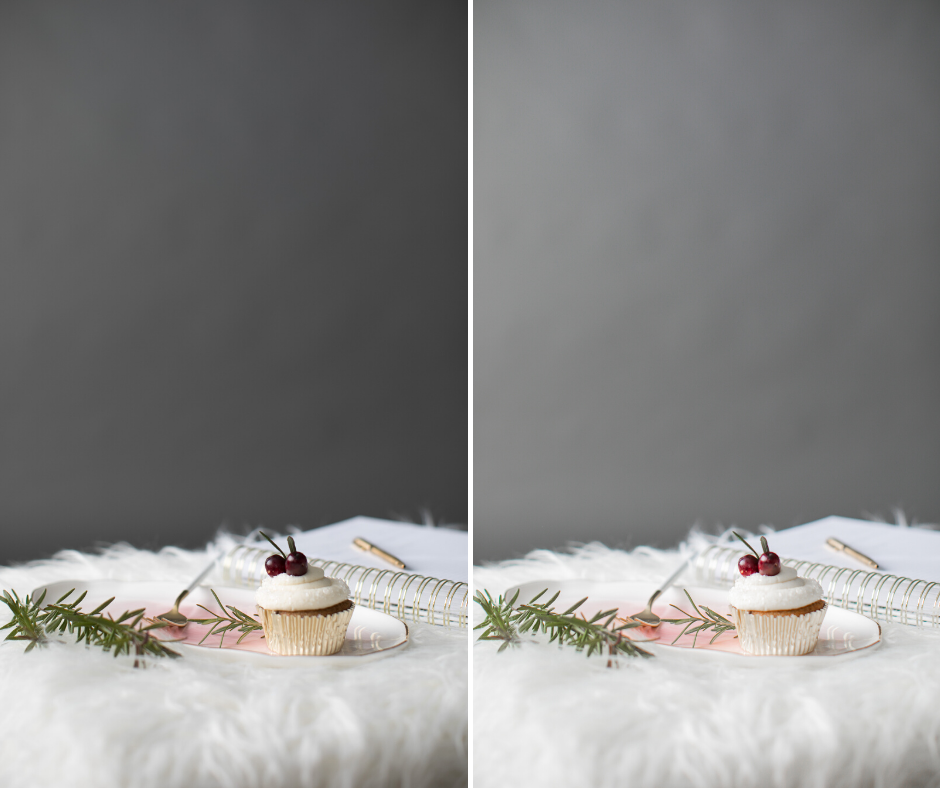


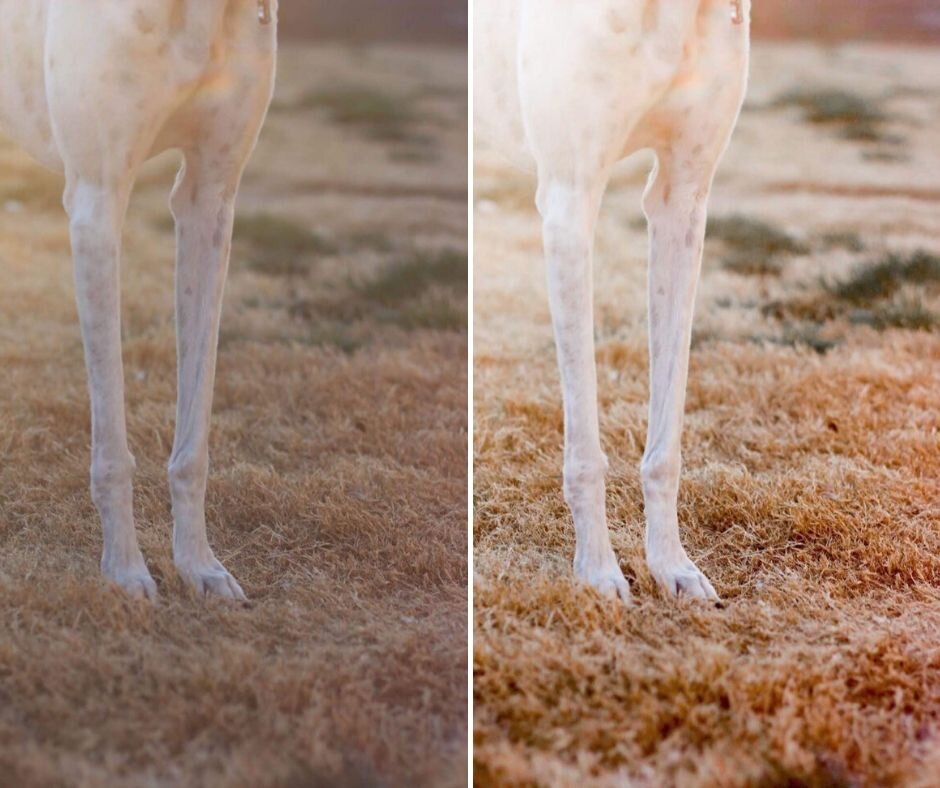

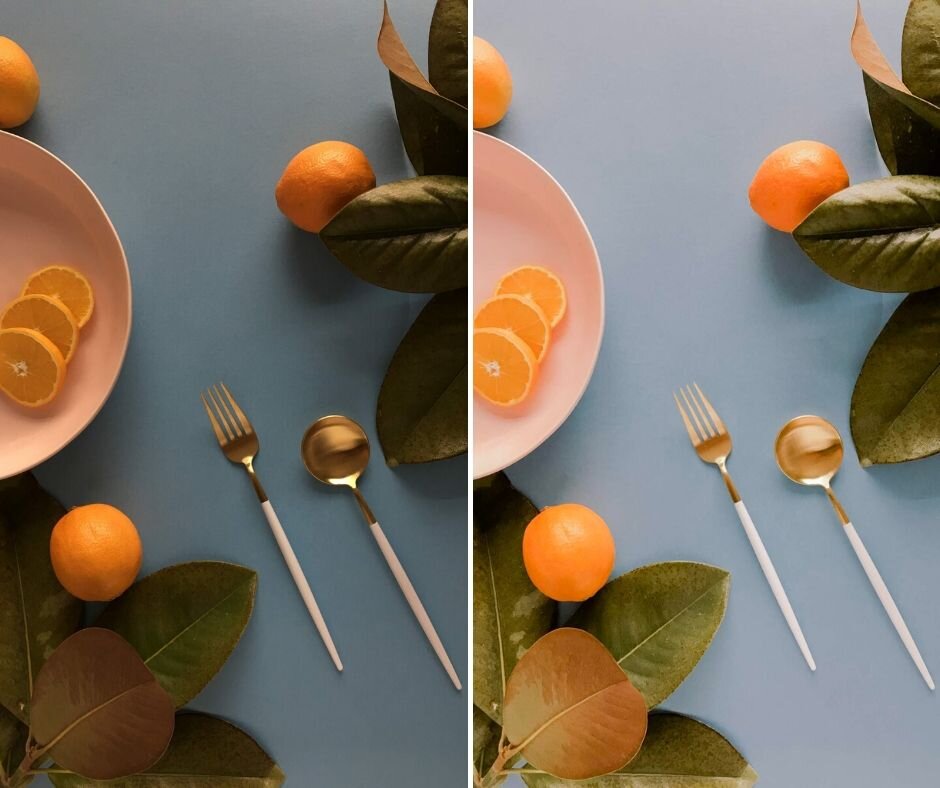

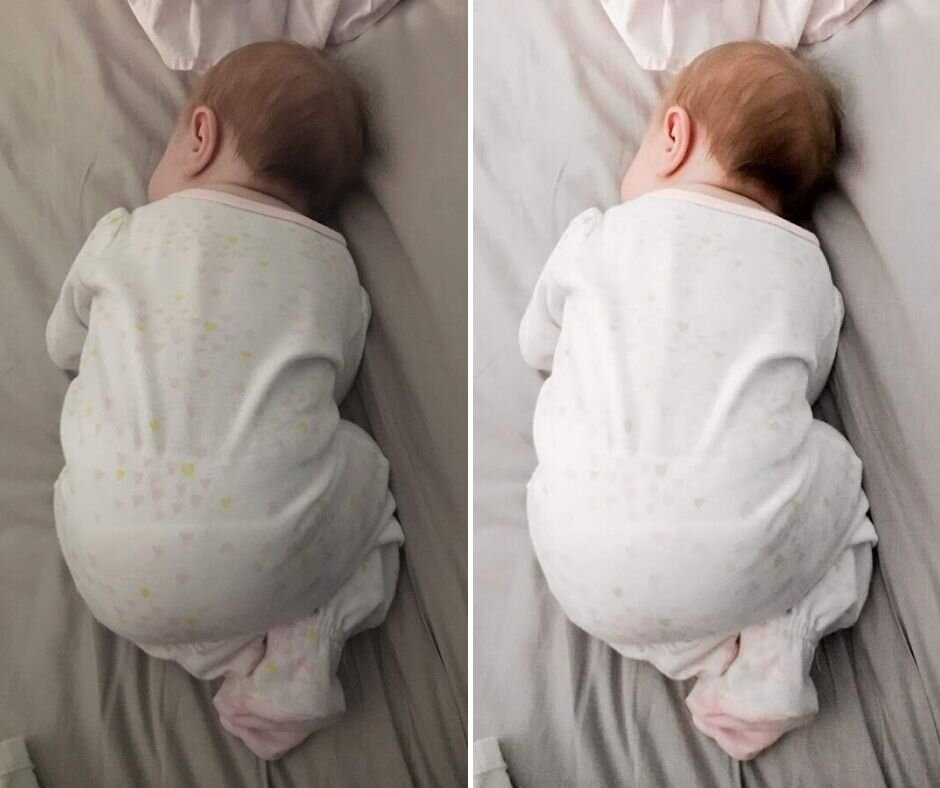



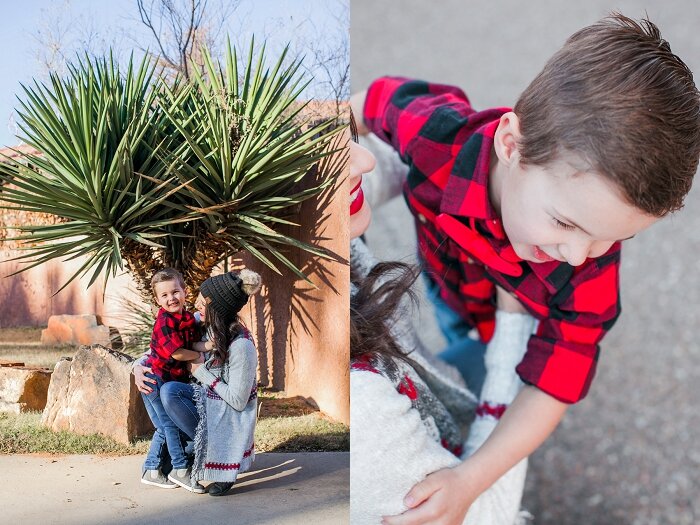


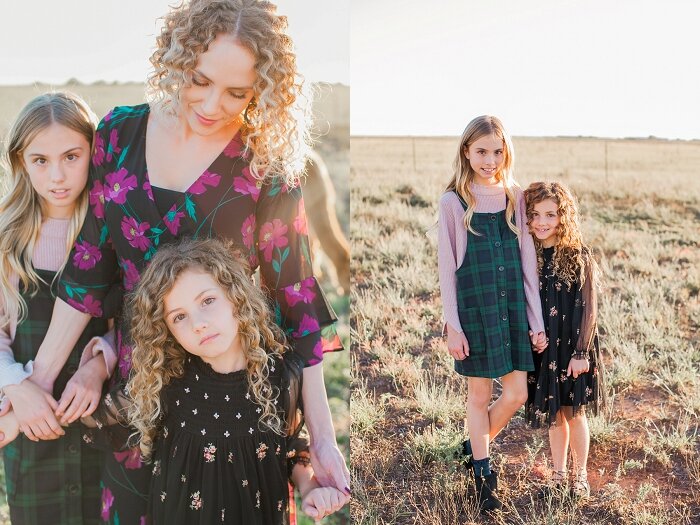




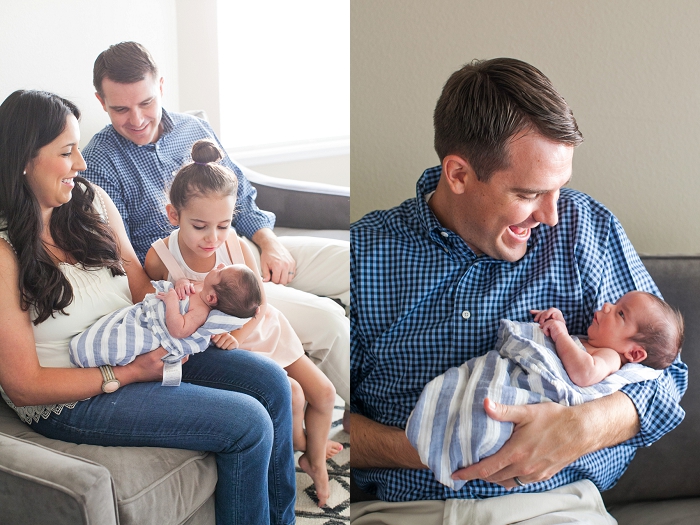


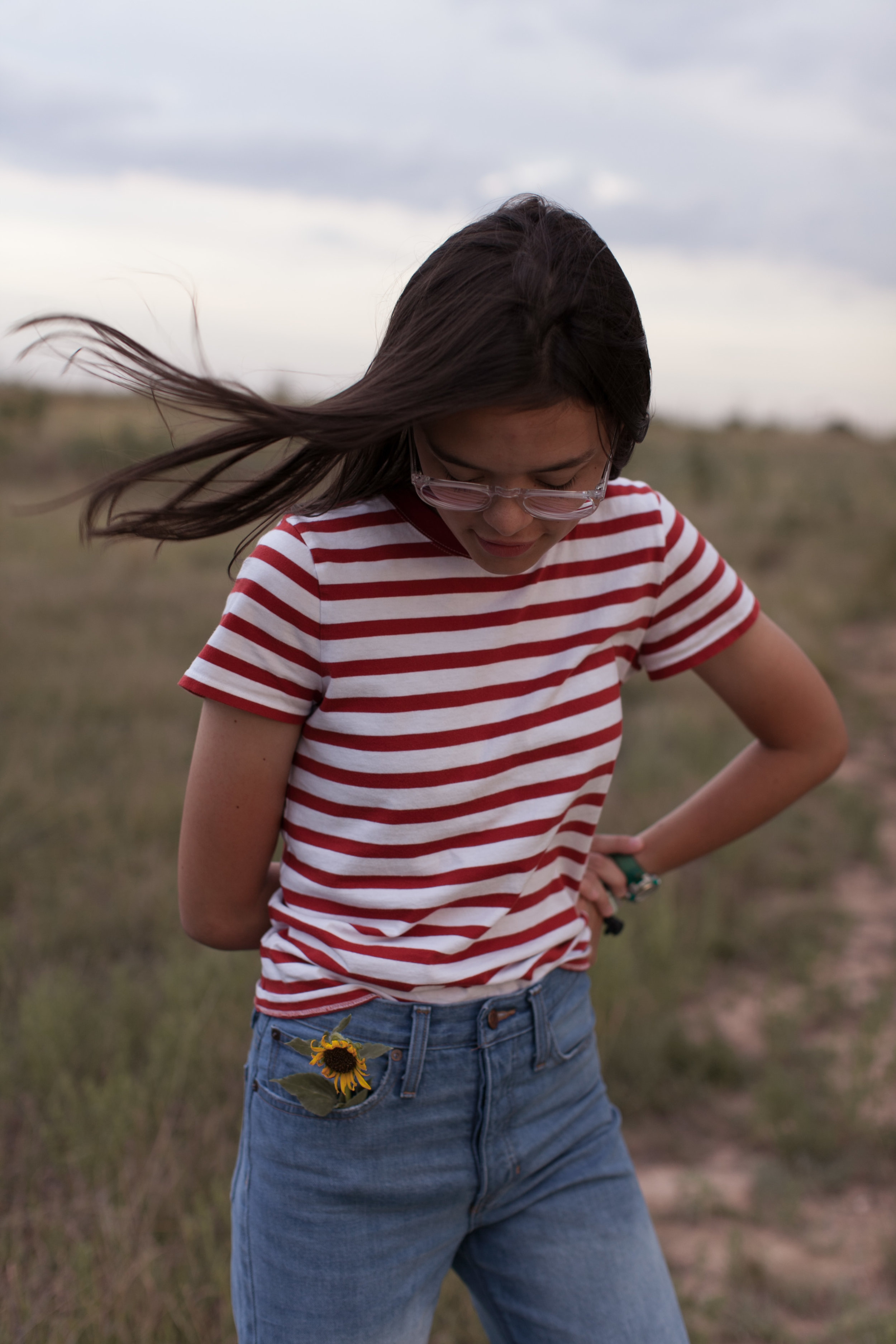

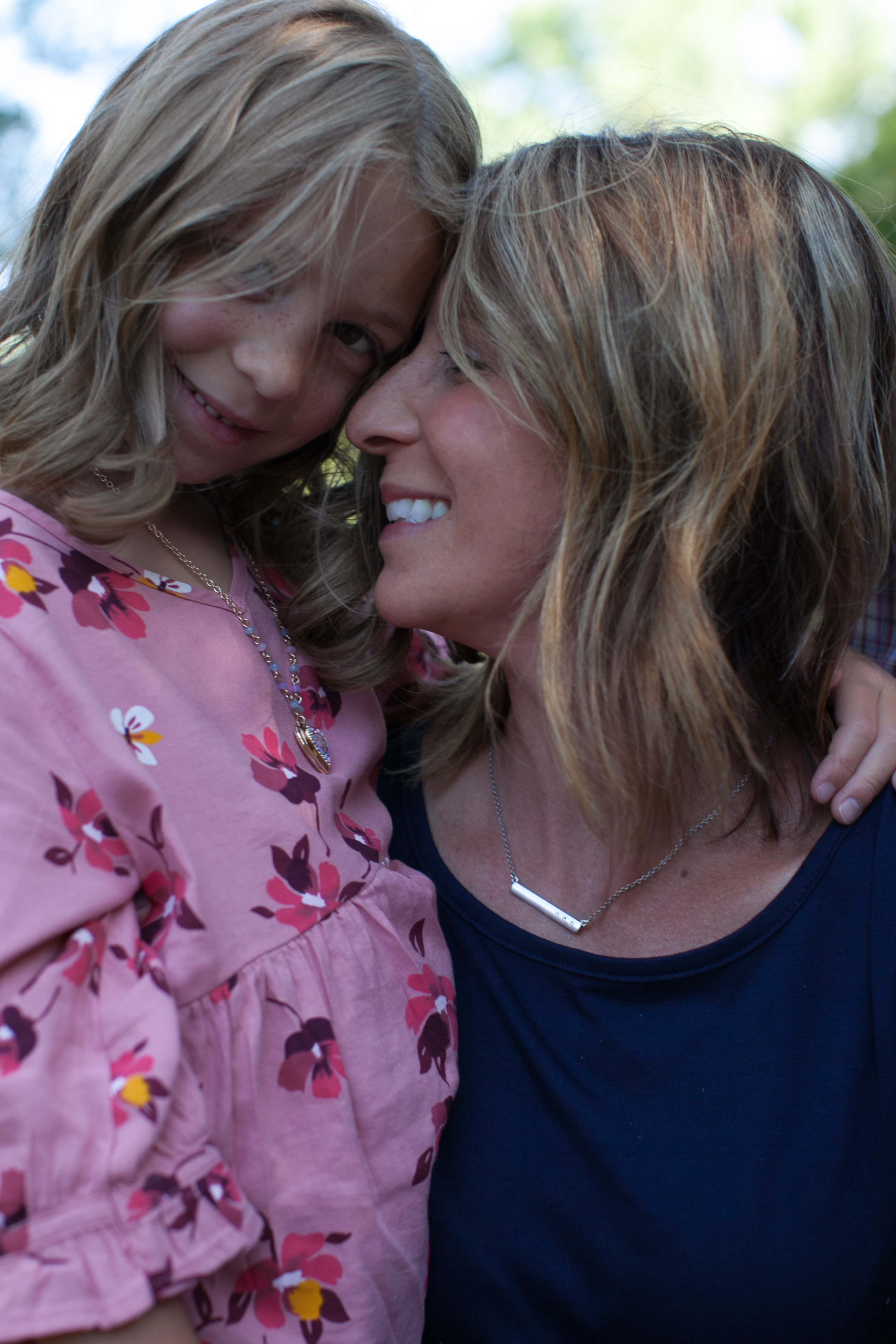

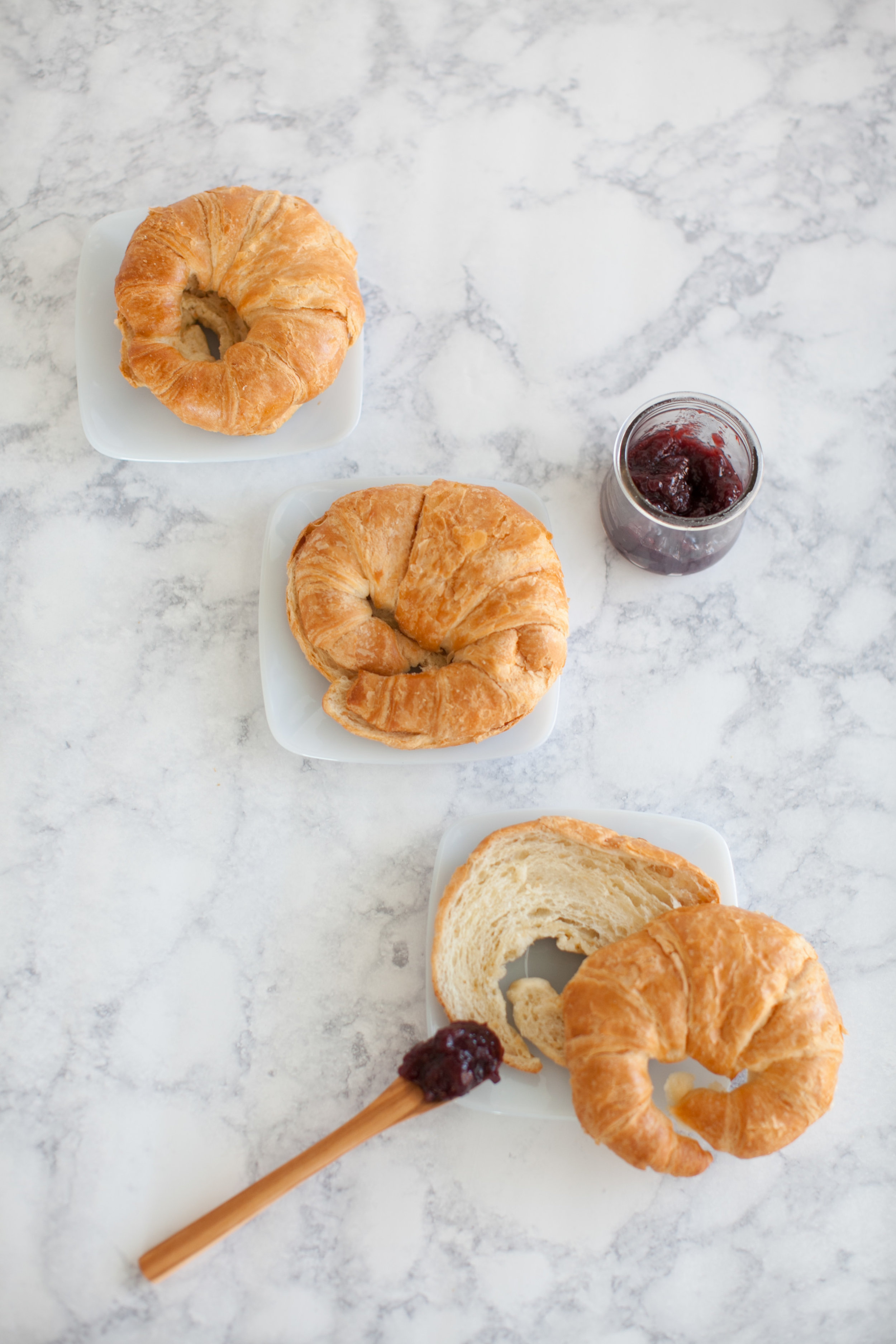
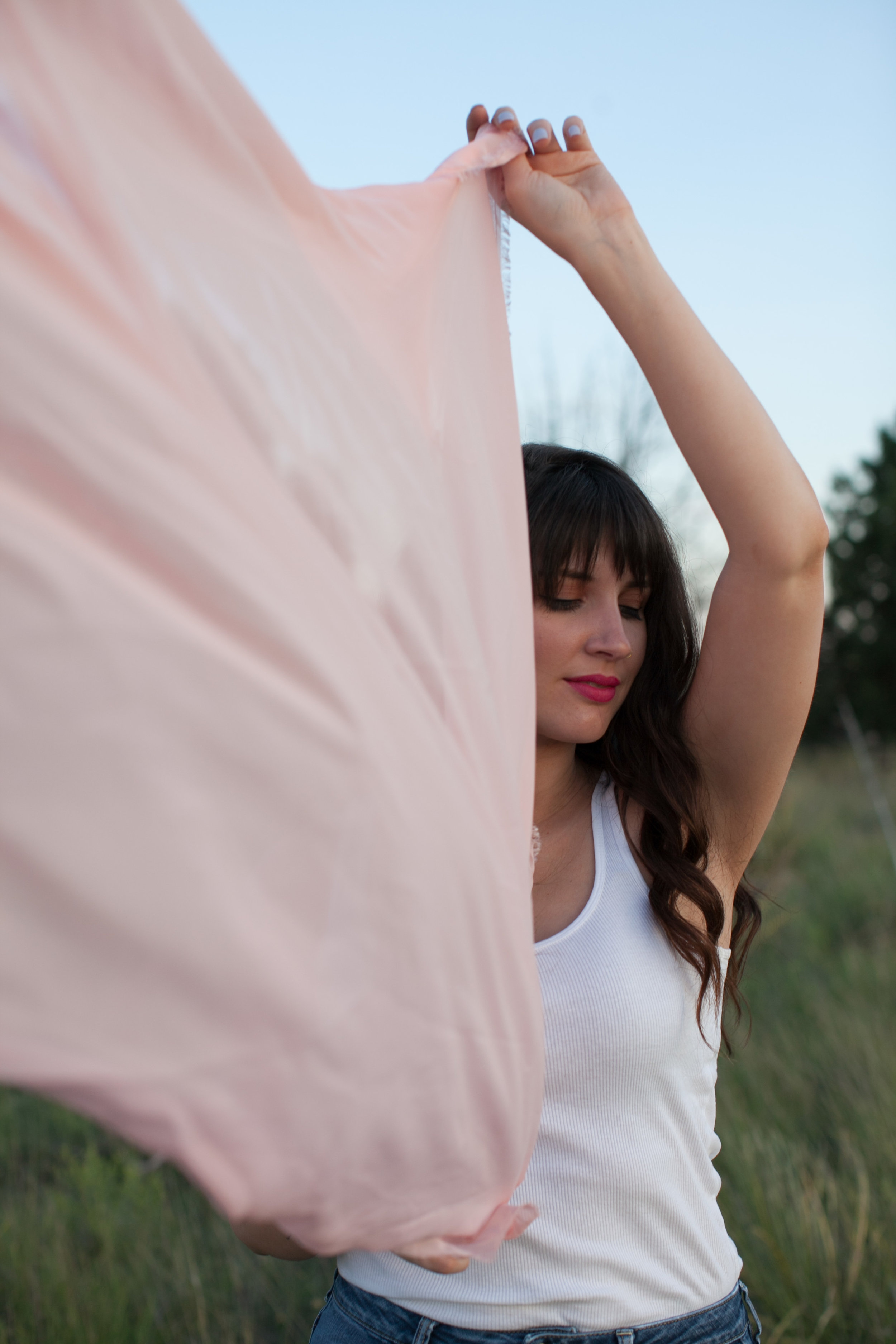
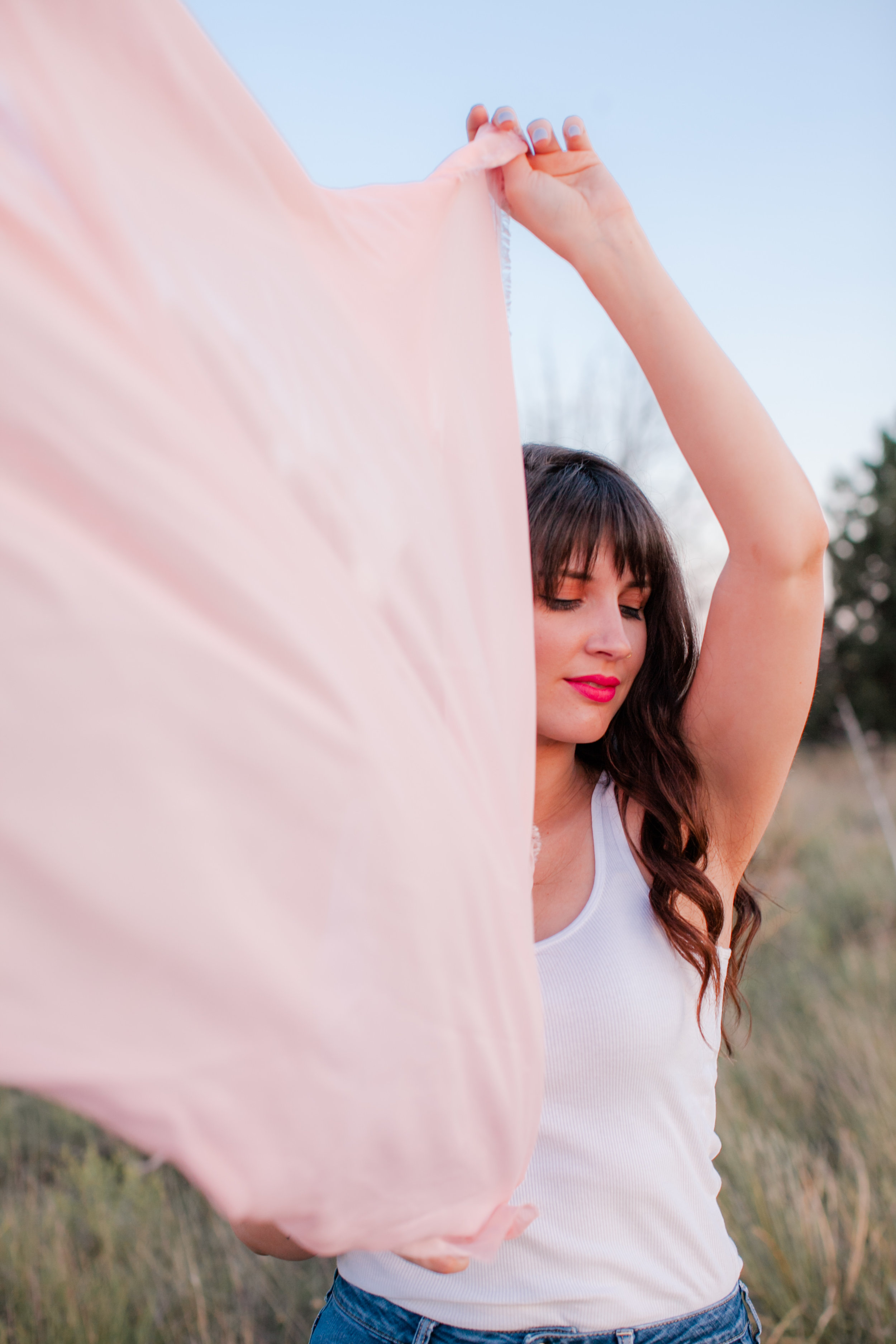




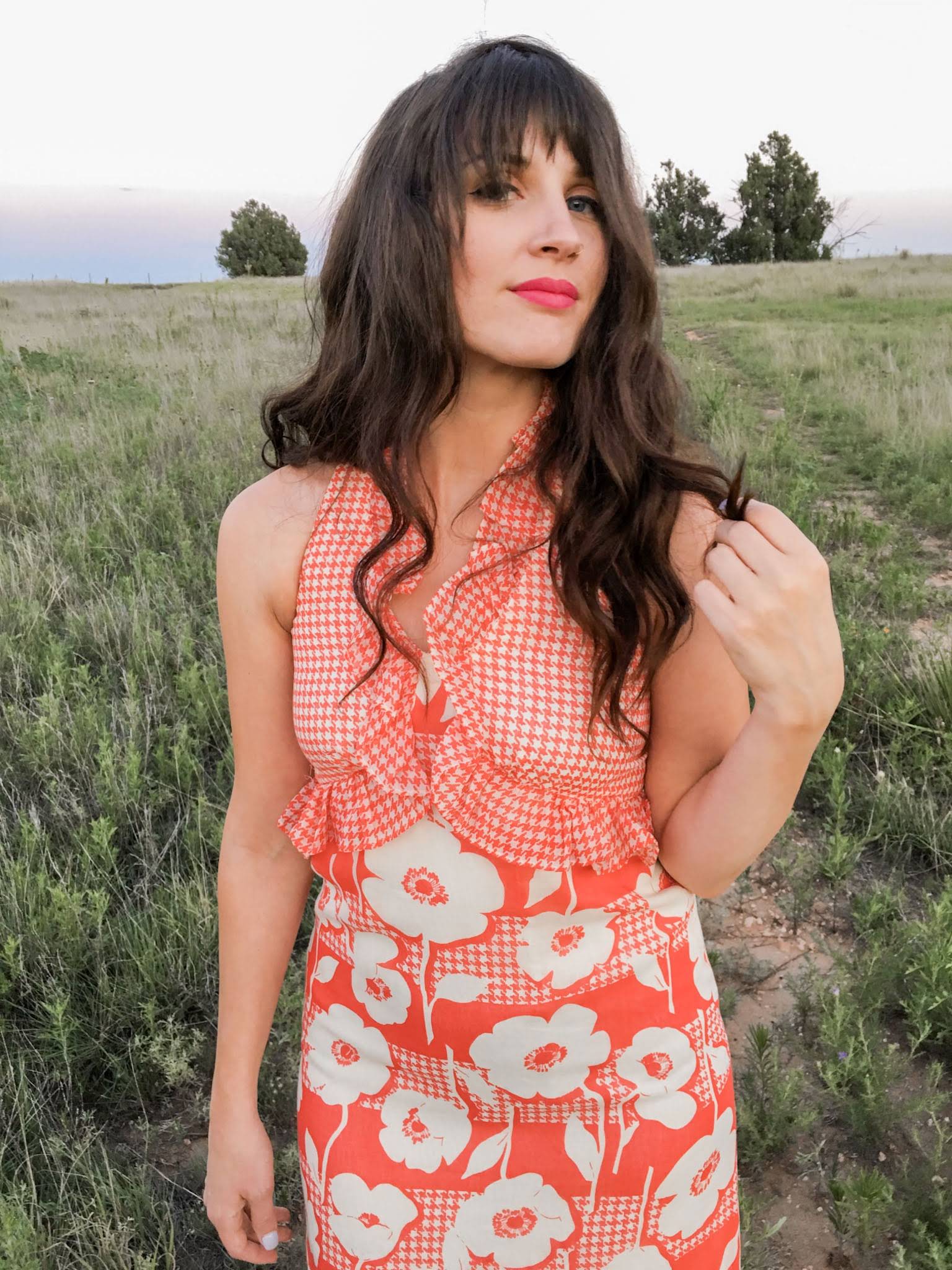
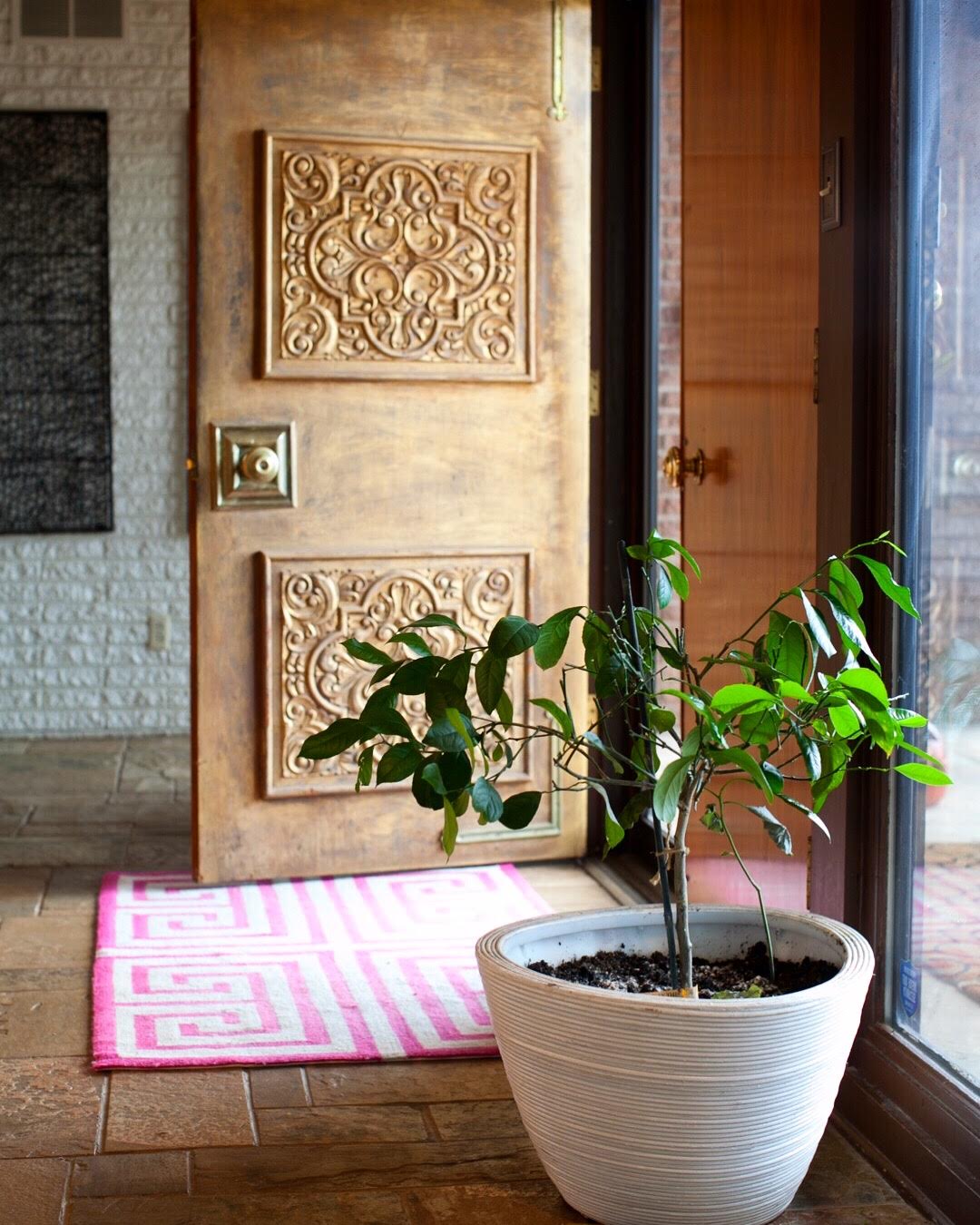


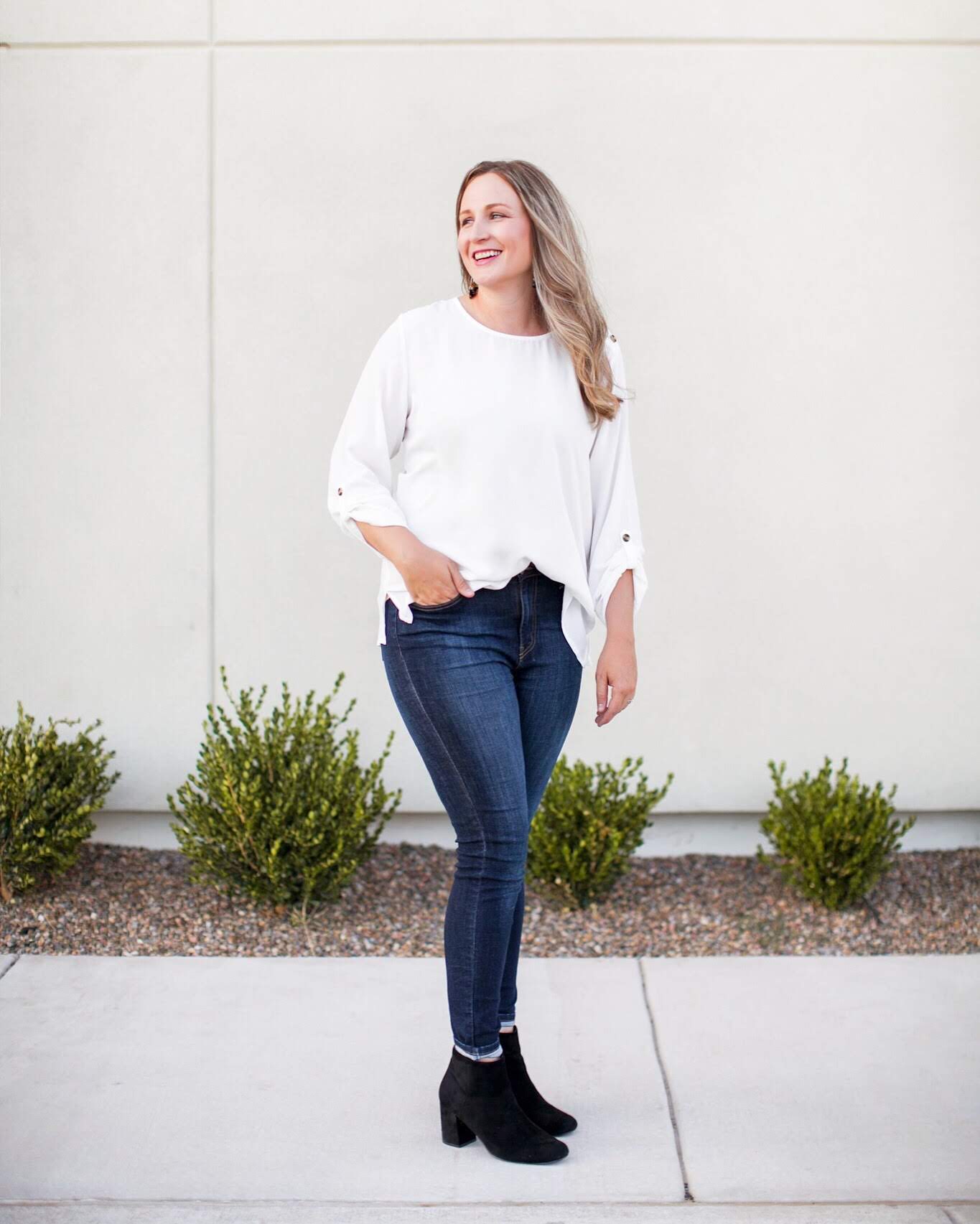
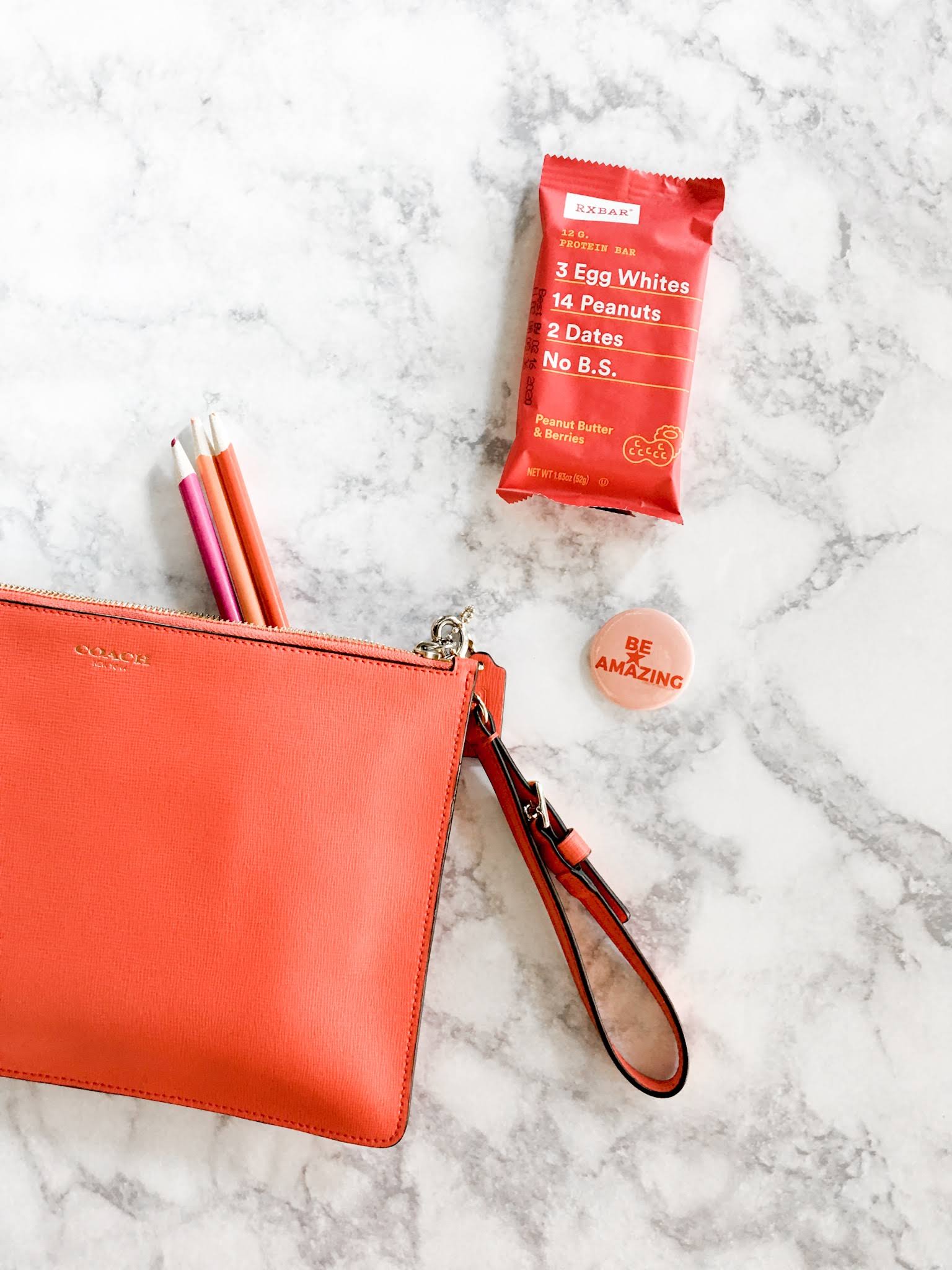













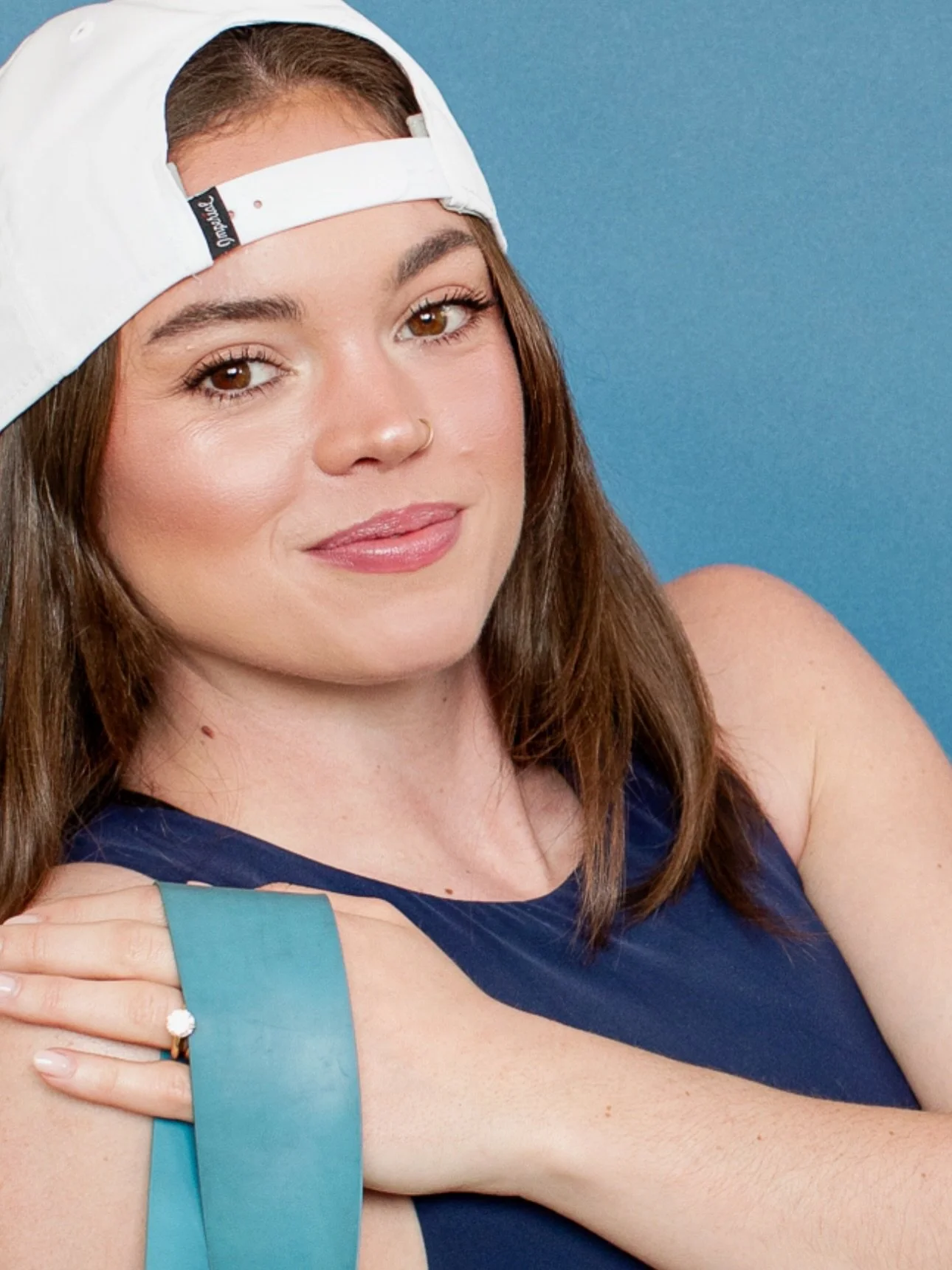


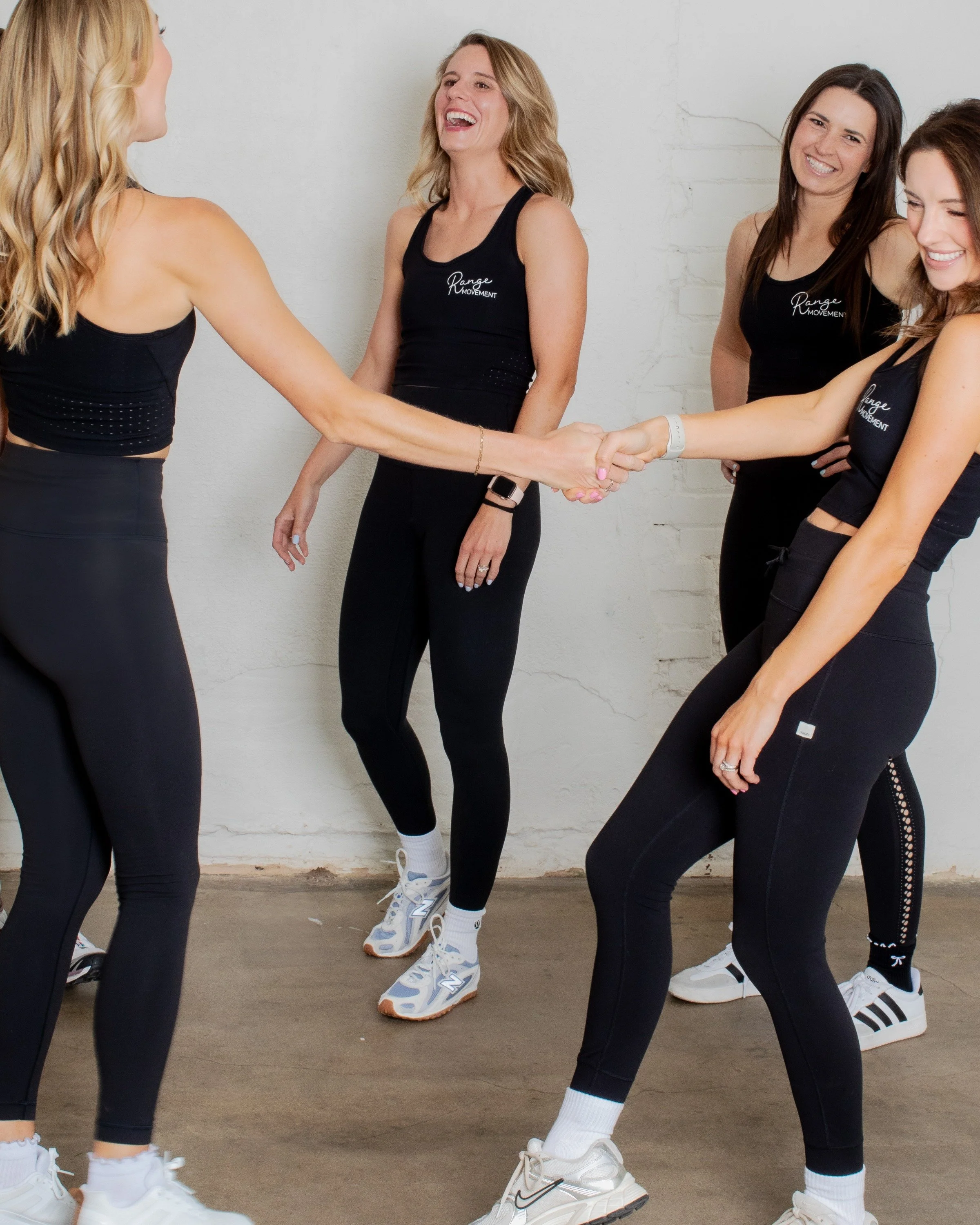

CC Desktop Presets include updated favorites from the mobile preset packs along with a brand-new preset.
Editing your photos can be time consuming and complicated when you are trying to create the “recipe” on your own. You want them to look professional, but you don’t know what to do.
If you want to take all the guesswork out of editing your photos, you need these presets.
Create those beautiful photos with CC Desktop Presets.
These presets are for Lightroom Classic and Lightroom CC on a desktop or laptop only. Not for mobile use.
These presets work best on RAW files
This product is a digital download and is available to access within 24 hours of purchase. A zip file will be provided with instructions on installing.
Collection includes nine presets:
Bust A Move (NEW) Brightens while keeping colors true to subject.
Cherry Bomb (Customer favorites) Brings forward the warm and pink tones while enriching the shadows.
Don’t Stop Believin’ Your blues turn aqua and reveals a film-like qualities.
Material Girl Brings back highlights and details while adding warmth.
Jack and Diane Brings forward the pink tones and highlights, so dreamy.
Livin’ On A Prayer Use if you want a little warmth added to your photo.
Modern Love Great for photos that are too dark. Brightens while keeping details of photograph.
Tainted Love with grain (black and white) lovely black and white preset adding depth and grain.
The Look Great for slightly under-exposed natural light. It brightens, adds depth and neutralizes white balance.
You can adjust exposure, temperature and colors. This will all depend on your light situation and editing style.
Immediately after you purchase presets, a file to download presets will be provided.
A link will be provided that include video tutorials as well as a written PDF to guide you through loading the presets onto your desktop/laptop. A separate email will be sent to you with the link.